01
Drop your photos
Add a single shot or a batch of up to 20. Your files stay on your device.
Remove the background, center the detected product on a 2000 × 2000 px white canvas, and review the export checks before downloading. Free, with no account required.
No sign-up·No watermark
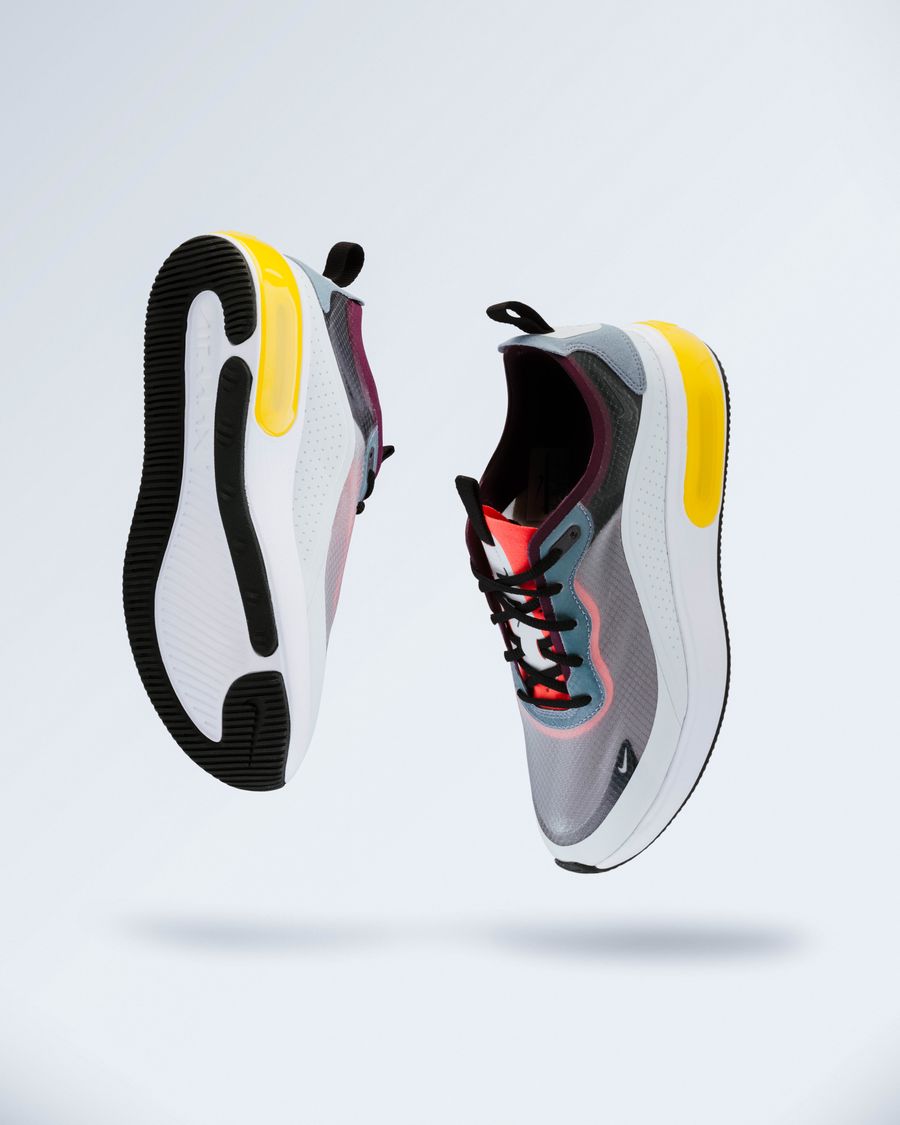 LESS CLUTTER. MORE PRODUCT.
One photo or a whole batch. Same simple workflow.
Give your products a little room to stand out.
JPG, PNG, WebP · up to 15 MB each · 20 photosProcess a photo to inspect this export. Checks update when you change the background.
Your photos are processed in your browser. They are never uploaded to our servers.
Add a single shot or a batch of up to 20. Your files stay on your device.
Remove the background, pick a color, and choose a size for your store.
Save one image or grab the whole batch as a ZIP. Original filename stems are preserved.
Amazon's product image guidance is the reference for your listing. An Amazon staff post on image requirements describes a pure white background, a product filling at least 85% of the frame, and no added text, graphics or watermarks. It also identifies 1000px on the longest side as the minimum for zoom capability. Requirements vary by category and image position, so check the guidance for the actual product you sell.
ShopCutout prepares a starting point for an Amazon white background photo. The preset uses a 2000px square, centers the detected subject and targets 87% of the longest canvas side. That percentage describes the detected bounding box, not how much of the image area contains product pixels. An incorrect cutout can still have the expected size.
You can change the background or preset. Selecting a transparent or colored background while the Amazon preset is active produces a background warning; it does not prevent downloading. ZIP remains free, with up to 20 images per batch.
The report inspects the decoded export dimensions and its outer background. It also reports the detected subject's size, whether it touches the original image edges, and whether exporting enlarges the source subject. A larger canvas does not add real product detail. An edge warning means the source may already crop the item; resizing cannot reconstruct the missing parts.
The outer-background check excludes the subject's bounding rectangle plus an 8px buffer to avoid JPEG edge artifacts. It cannot discover leftover scenery between handles or straps, and it is not a score for the background-removal model. Text, props, the actual product and category-specific presentation always need visual review.
This version runs a lightweight model on your device. Photos are not uploaded to our servers. It works best with clearly separated subjects and simple backgrounds. Glass, fine fibers, thin parts and reflections can be incomplete, so inspect one result before processing the rest of a batch. The site does not currently sell a higher-quality processing mode.
For more context, read the product-photo background removal guide or compare transparent PNG and white backgrounds. Once you have reviewed the original and cutout, prepare your Amazon main image and save the files before closing the page.
ShopCutout is an independent tool and is not affiliated with or endorsed by Amazon. Export checks do not guarantee listing acceptance.
The useful details, without the fine print.
No. The checks cover export dimensions, outer background pixels, detected subject size and source-image warnings. They do not determine whether the correct product was isolated, detect every watermark or verify category rules. Review the actual image and your category guidance.
The canvas can be 2000 × 2000 px, but enlarging a small product does not recover missing detail. The report warns when the detected source subject is enlarged or the original image is below 1000px on its longest side.
It decodes the exported file and checks for opaque RGB 255,255,255 pixels outside the detected subject rectangle, excluding an 8px buffer. It cannot check leftover background inside that rectangle or judge fine cutout edges.
Yes. The current local tool, Amazon preset, individual downloads, ZIP and export reports are free. It uses a lightweight model; transparent materials, reflective surfaces and fine edges may need additional editing. No paid quality upgrade is available yet.