01
Drop your photos
Add a single shot or a batch of up to 20. Your files stay on your device.
Use the shared photo studio with a 2048px white canvas selected. Upload, process and export.
Make my photos readyNo sign-up·No watermark
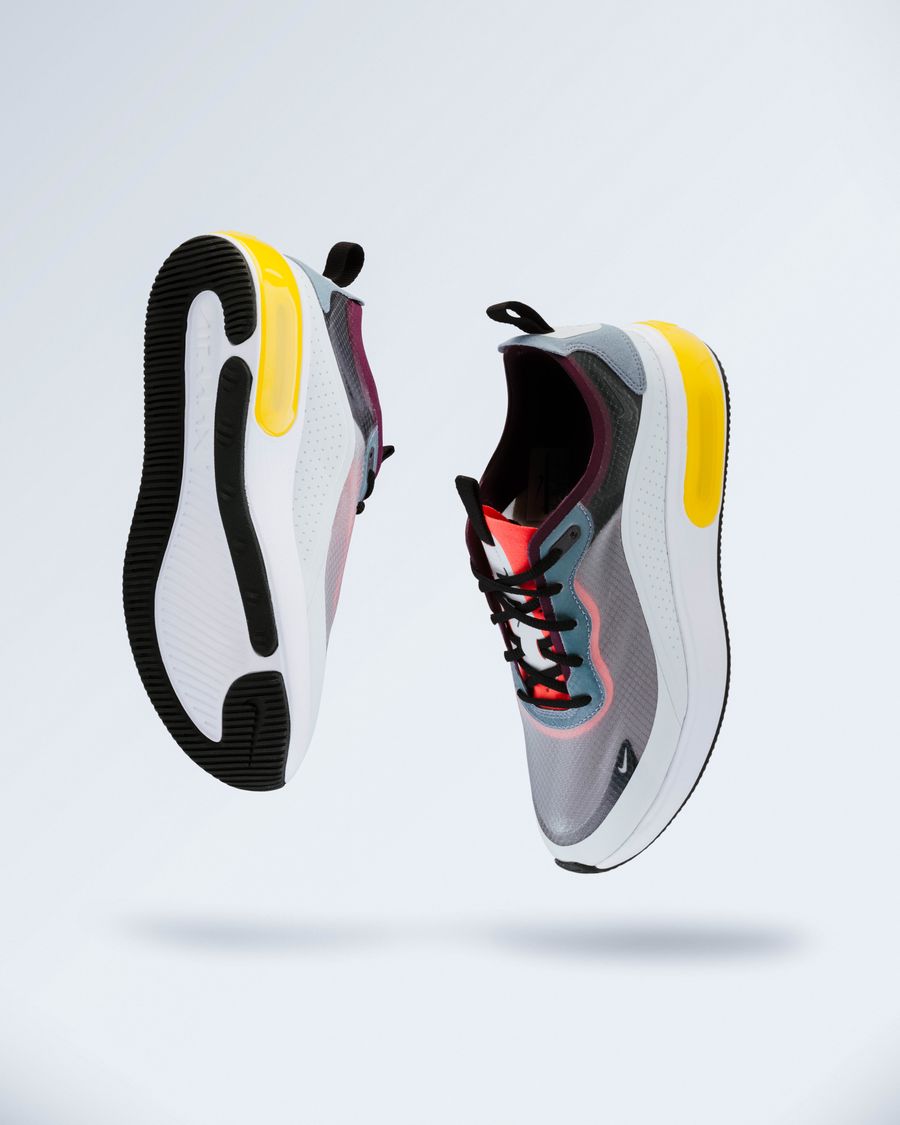 LESS CLUTTER. MORE PRODUCT.
One photo or a whole batch. Same simple workflow.
Give your products a little room to stand out.
JPG, PNG, WebP · up to 15 MB each · 20 photosUse only images you have the right to process. Explicit sexual content and abusive imagery are prohibited. Usage rulesYour photos are processed in your browser. They are never uploaded to our servers.
Add a single shot or a batch of up to 20. Your files stay on your device.
Remove the background, pick a color, and choose a size for your store.
Save one image or grab the whole batch as a ZIP. Original filename stems are preserved.
Use the shared photo studio with a 2048px white canvas selected. Upload, process and export. The working studio is directly above this guide. No separate editor is needed.
Check that the entire item is retained, colors remain accurate, shadows make sense, and transparent or reflective parts have not been removed. A larger canvas cannot restore missing source detail.
Our Shopify preset uses a 2048px square canvas for consistent product collections. This is a workflow preset rather than a mandatory size for every theme. Check cropping and zoom in your actual storefront.
Start with free local processing. For fine edges or complex products, try cloud credit packs. Payment is not a guarantee of a perfect cutout.
Platform guidance or privacy information · Amazon photo tool · Bulk photo studio
The useful details, without the fine print.
No. A preset does not verify product accuracy, every leftover background pixel or category requirements. Review the actual image.
Free mode runs locally in your browser. Cloud requires sign-in and permission to upload, and costs one credit per successful image. Review fine edges in both modes.
Yes. Each batch supports up to 20 photos, with individual and ZIP downloads.