01
Drop your photos
Add a single shot or a batch of up to 20. Your files stay on your device.
Prepare up to 20 product photos per batch, review each image, and download individually or as a ZIP.
Make my photos readyNo sign-up·No watermark
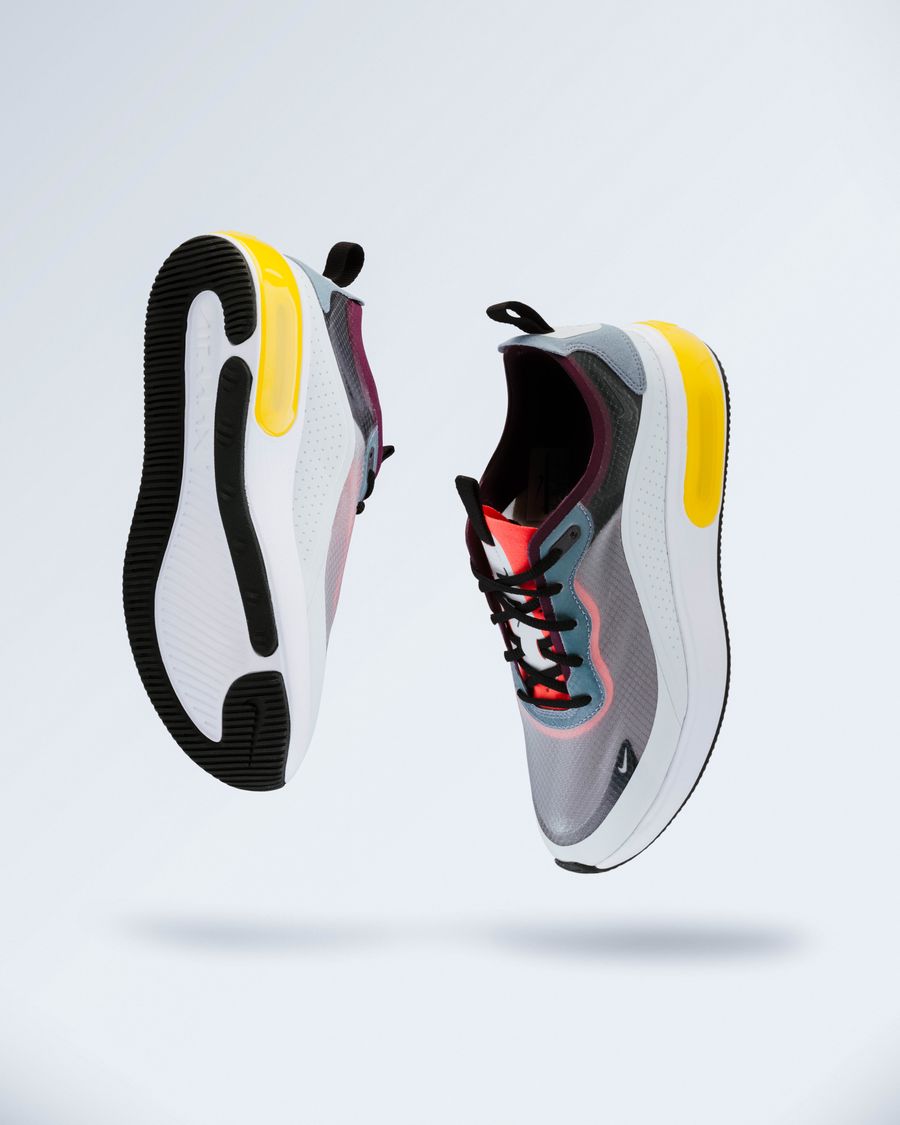 LESS CLUTTER. MORE PRODUCT.
One photo or a whole batch. Same simple workflow.
Give your products a little room to stand out.
JPG, PNG, WebP · up to 15 MB each · 20 photosUse only images you have the right to process. Explicit sexual content and abusive imagery are prohibited. Usage rulesYour photos are processed in your browser. They are never uploaded to our servers.
Add a single shot or a batch of up to 20. Your files stay on your device.
Remove the background, pick a color, and choose a size for your store.
Save one image or grab the whole batch as a ZIP. Original filename stems are preserved.
Prepare up to 20 product photos per batch, review each image, and download individually or as a ZIP. The working studio is directly above this guide. No separate editor is needed.
Check that the entire item is retained, colors remain accurate, shadows make sense, and transparent or reflective parts have not been removed. A larger canvas cannot restore missing source detail.
Each batch allows up to 20 photos, 15MB per photo and 100MB total. Test one representative image before processing the full set. Cloud credits are charged per successful photo, rather than charging an entire batch when some items fail.
Start with free local processing. For fine edges or complex products, try cloud credit packs. Payment is not a guarantee of a perfect cutout.
Platform guidance or privacy information · Amazon photo tool · Bulk photo studio
Select the Amazon canvas preset to apply a white background and center the detected products. After processing, run Check processed photos to find warnings, open individual results for review, and enter optional SKU prefixes before downloading the ZIP. See the Amazon main image tool or read the main image preflight guide.
We used Chrome on a Mac to process 20 licensed product photos in free mode, including yarn, beadwork, glass packaging and reflective metal. The ZIP button was ready about 27 seconds after we started processing, and all 20 photos exported as PNG. Timing varies by device and image. Inspect transparent materials and fine edges at full size.
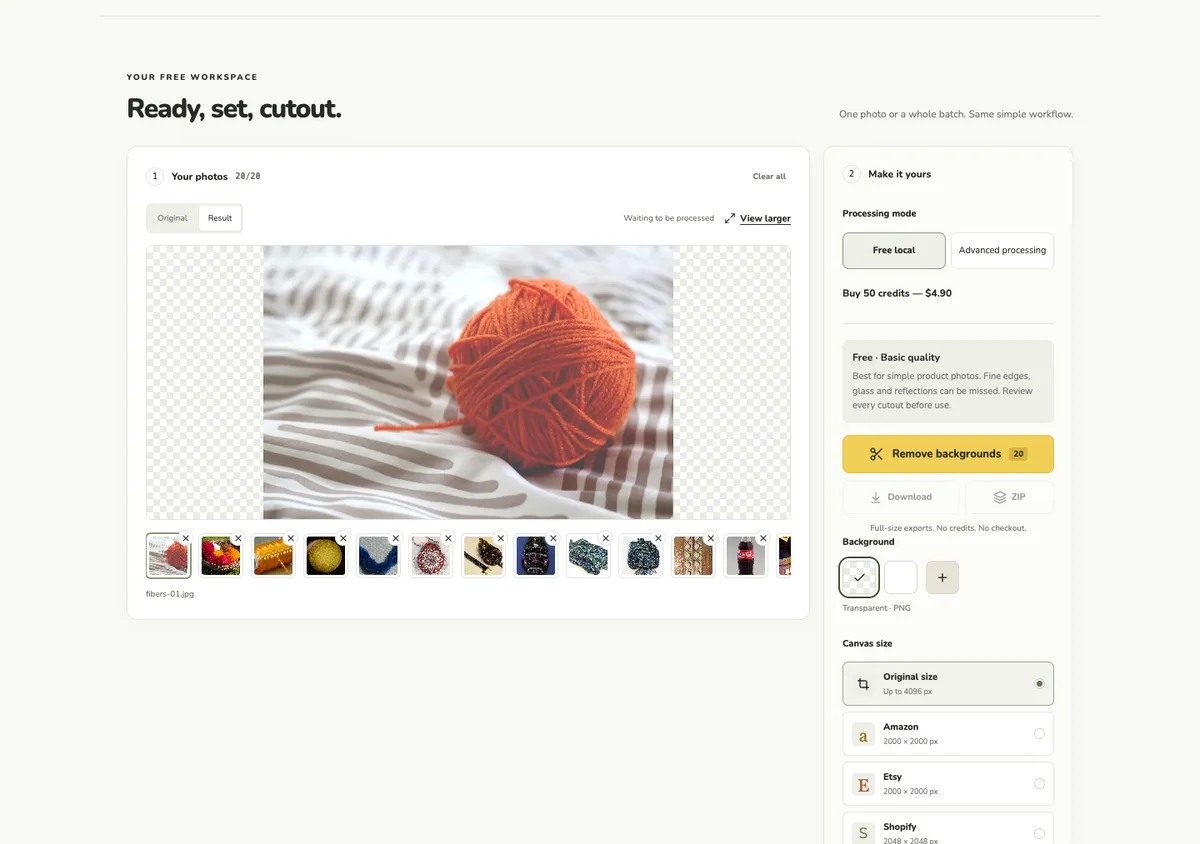
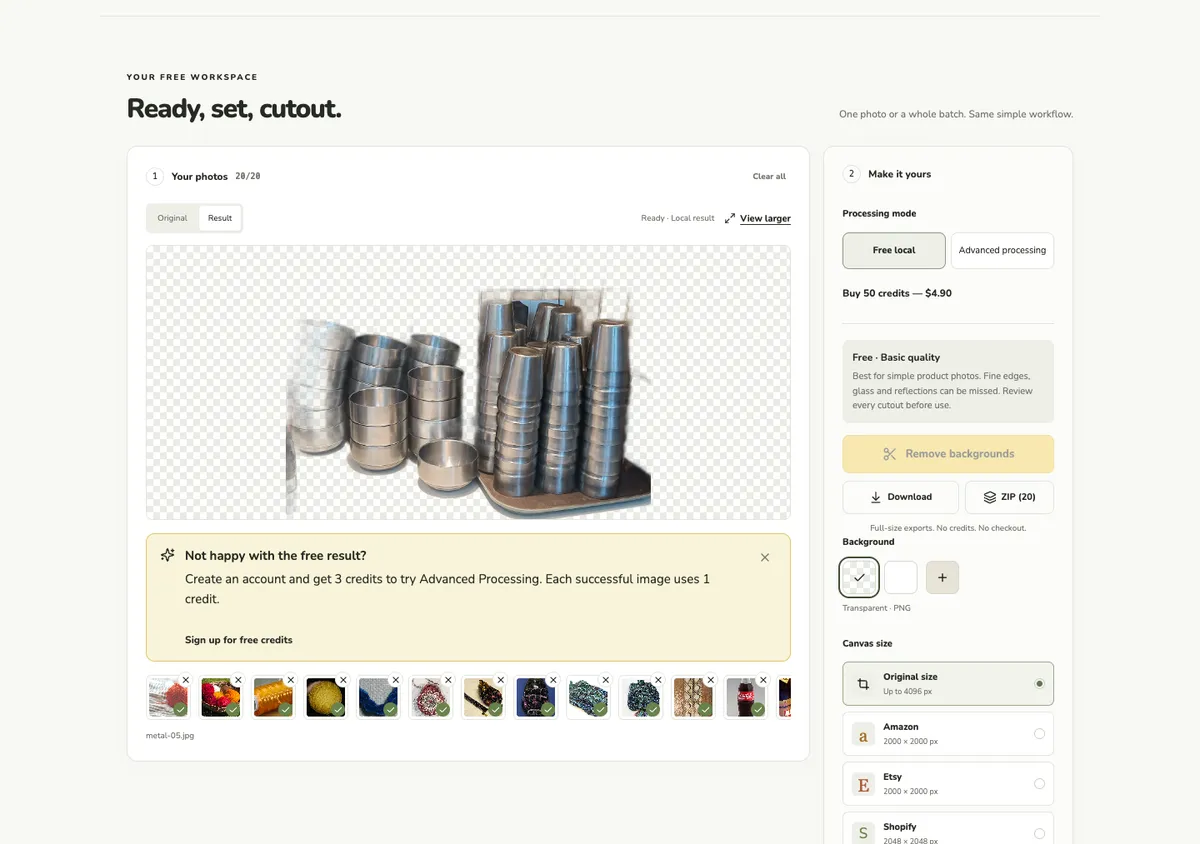 Download three representative PNGs with attribution
Sources and licenses for all 20 test images
The useful details, without the fine print.
No. A preset does not verify product accuracy, every leftover background pixel or category requirements. Review the actual image.
Free mode runs locally in your browser. Cloud requires sign-in and permission to upload, and costs one credit per successful image. Review fine edges in both modes.
Yes. Each batch supports up to 20 photos, with individual and ZIP downloads.